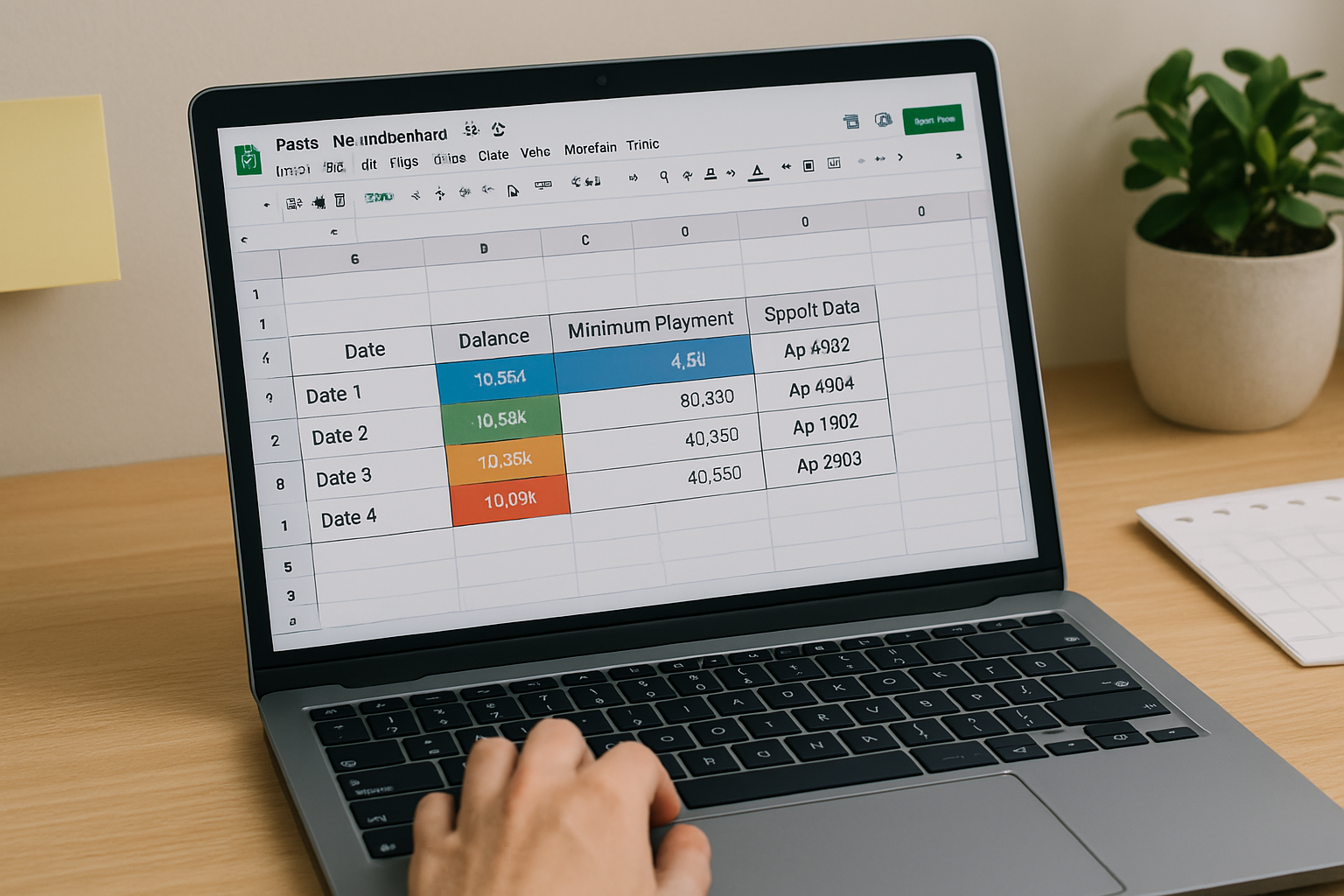
Free Debt Snowball Spreadsheet Template (CSV + Google Sheets Guide)
By DebtSnowball.org •
April 2, 2025
Free Debt Snowball Spreadsheet Template (CSV + Google Sheets Guide)
Want to track your debt snowball progress in a spreadsheet?
You can generate your custom plan using our debt snowball calculator and export it as a CSV file, perfect for Google Sheets or Excel.
What Is a Debt Snowball Spreadsheet?
A debt snowball spreadsheet helps you visualize your payoff journey month by month.
You can:
- See balances shrink each month
- Monitor your “snowball” effect as payments roll into the next debt
- Forecast your debt-free date
- Track minimum payments and extra contributions
Get Your Spreadsheet the Easy Way (via CSV Export)
You don’t need to start from scratch.
Just use our free debt snowball calculator:
- Enter your debts and monthly budget
- Generate your personalized plan
- Download your CSV with one click
The CSV includes a month-by-month debt payoff schedule, ready for tracking.
How to Use the CSV File in Google Sheets or Excel
✅ Step 1: Upload to Google Sheets
- Open Google Sheets
- Click File > Import > Upload
- Select your downloaded CSV
- Choose “Insert new sheet” to keep your data clean
✅ Step 2: Format for Clarity
- Freeze the top row for labels
- Highlight current month
- Add conditional formatting for debts at $0
You can even build:
- A progress bar
- % paid off tracker
- Monthly milestone reminders
✅ Step 3: Update Monthly
As you make real payments, mark off your progress and re-run your plan when needed.
Why Spreadsheets Help You Stay on Track
“What gets tracked, gets improved.”
Spreadsheets turn a dream into a step-by-step journey. They help you:
- Stay focused and intentional
- Avoid losing motivation
- Celebrate each small win
Need a Quick Start?
Download your plan instantly from DebtSnowball.org and import the CSV into Sheets.
From there, you can:
- Add charts or colors
- Share with a partner or financial coach
- Keep a printed copy on your fridge or desk
Related Posts
- Debt Snowball Method Explained: How It Works and Why It’s Effective
- Debt Snowball vs. Debt Avalanche: Which Payoff Method Is Right for You?
- Using a Debt Snowball Calculator to Fast-Track Your Debt Payoff
Final Word: Simple Tools, Big Results
You don’t need complex apps or financial software.
Just a list of your debts, a CSV file, and the desire to change your future.
Use our debt snowball calculator to create your plan and take control—one spreadsheet at a time.